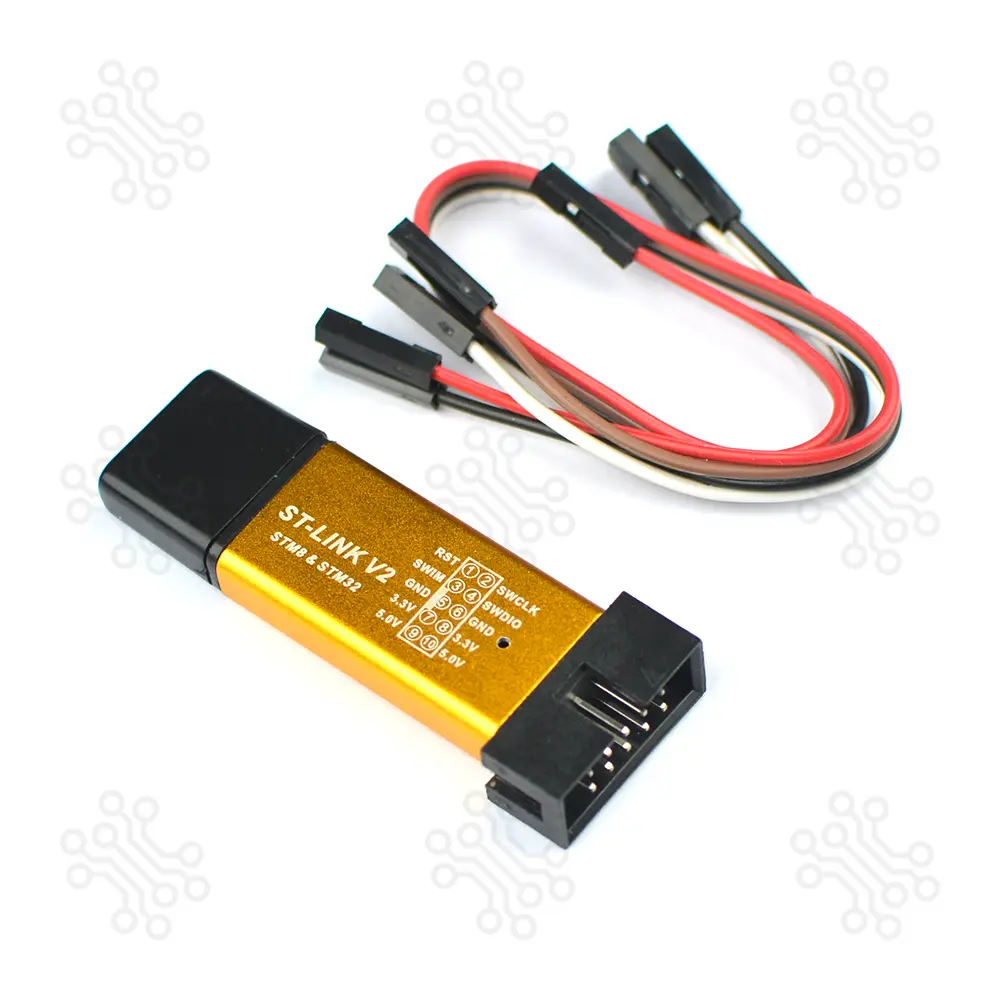
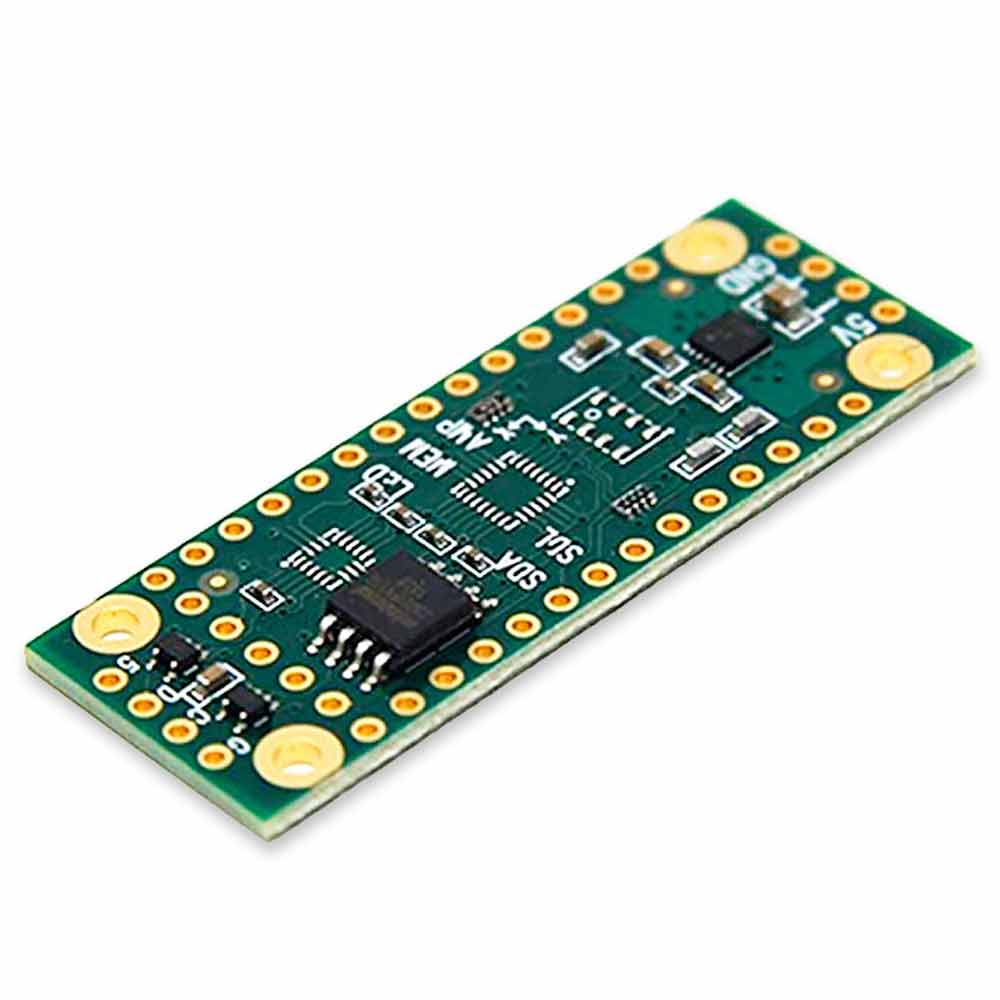
Description of ST Link V2 Programmer The ST-LINK V2 is an in-circuit programmer and debugger designed for the STM8 and STM32 microcontroller series. It provides a reliable communication interface between the development environment running on a PC and the target microcontroller on the application board, making programming and debugging simple and efficient. Communication with the target device is carried out through dedicated debug interfaces. The Single Wire Interface Module (SWIM) is used for STM8 microcontrollers, while the Serial Wire Debug (SWD) interface is used for STM32 devices. These interfaces enable direct access to the microcontroller for firmware programming, memory operations, and real-time debugging. For STM8 applications, the ST-LINK V2 uses a USB full-speed interface to integrate seamlessly with development tools such as ST Visual Develop (STVD), ST Visual Programmer (STVP), and IAR EWSTM8. For STM32 applications, the same USB full-speed interface supports widely used development environments including Atollic, IAR, Keil, and Tasking. With wide software compatibility and stable communication performance, the ST-LINK V2 is a practical solution for both educational use and professional embedded system development. Specification Item Description Product Name ST-Link V2 Programmer Supported Microcontrollers STM8 Series, STM32 Series Programming Interface SWD (STM32), SWIM (STM8) Debug Interface SWD PC Interface USB 2.0 USB Power Supply 5V (USB Powered) Target Voltage Support 1.65V – 3.6V Debugging Function Full chip debugging supported Firmware Upgrade Supported Software Support STM32CubeIDE, ST-Link Utility Operating System Windows Connection Type 4-pin / 10-pin header (depending on version) Application Type Programming, Debugging, Firmware Upload Form Factor Compact and lightweight design Usage Level Beginner to Professional Product color may vary as our stock rotates How It Works The ST-Link V2 Programmer acts as a communication bridge between a computer and an STM microcontroller. It allows users to upload firmware, control execution, and debug applications in real time using official ST development tools. For a step-by-step guide, you can refer to How to Program STM32 with ST-Link V2. 1. PC Connection The ST-Link V2 is connected to a computer through a USB 2.0 interface. Once connected, the device is automatically detected by supported software such as STM32CubeIDE or ST-Link Utility. The programmer is powered directly from the USB port, so no external power supply is required. 2. Software Communication After connection, the development software communicates with the ST-Link V2 driver. The software sends programming and debugging commands, which are converted into hardware-level signals suitable for STM microcontrollers. 3. Target Device Interface The ST-Link V2 connects to the target microcontroller using dedicated debug interfaces: SWD (Serial Wire Debug) for STM32 microcontrollers SWIM (Single Wire Interface Module) for STM8 microcontrollers These interfaces allow direct access to the microcontroller’s internal memory and registers. 4. Programming Process During programming, the ST-Link V2: Erases the target flash memory (if required) Writes the compiled firmware to flash memory Verifies the written data to ensure accuracy This process ensures reliable and error-free firmware upload. 5. Debugging Operation In debugging mode, the ST-Link V2 enables: Setting breakpoints Step-by-step code execution Monitoring CPU registers and memory Real-time program control This allows developers to find errors, test logic, and optimize performance efficiently. 6. Firmware Upgrade Support The ST-Link V2 itself supports firmware updates through official ST tools. This keeps the programmer compatible with newer devices and software versions. Software Support USB drivers St-Link Software Application Programming STM8 and STM32 microcontrollers Debugging embedded firmware Learning and training in embedded systems Prototype development and testing Package Contents 1 × ST-Link V2 Programmer 4 × Connection cable ( Female to Female) Warranty and Replacement TechShopBD offers up to one year of warranty and replacement support for its products, depending on the supplier(s) and product(s). The specific warranty duration for each product can be found on the respective product page. To be eligible for warranty and replacement support, customers must agree to our terms and conditions. Attention Note: This item is non-returnable. If this item arrives damaged or is not functioning properly, please don’t hesitate to contact us to determine if further action is required. Need Help? Our engineers are available to assist you. If you have any queries, please leave a comment below or call 09678110110 from 09:00 am to 06:00 pm (7 days a week). You can also reach us via WhatsApp or Facebook Inbox