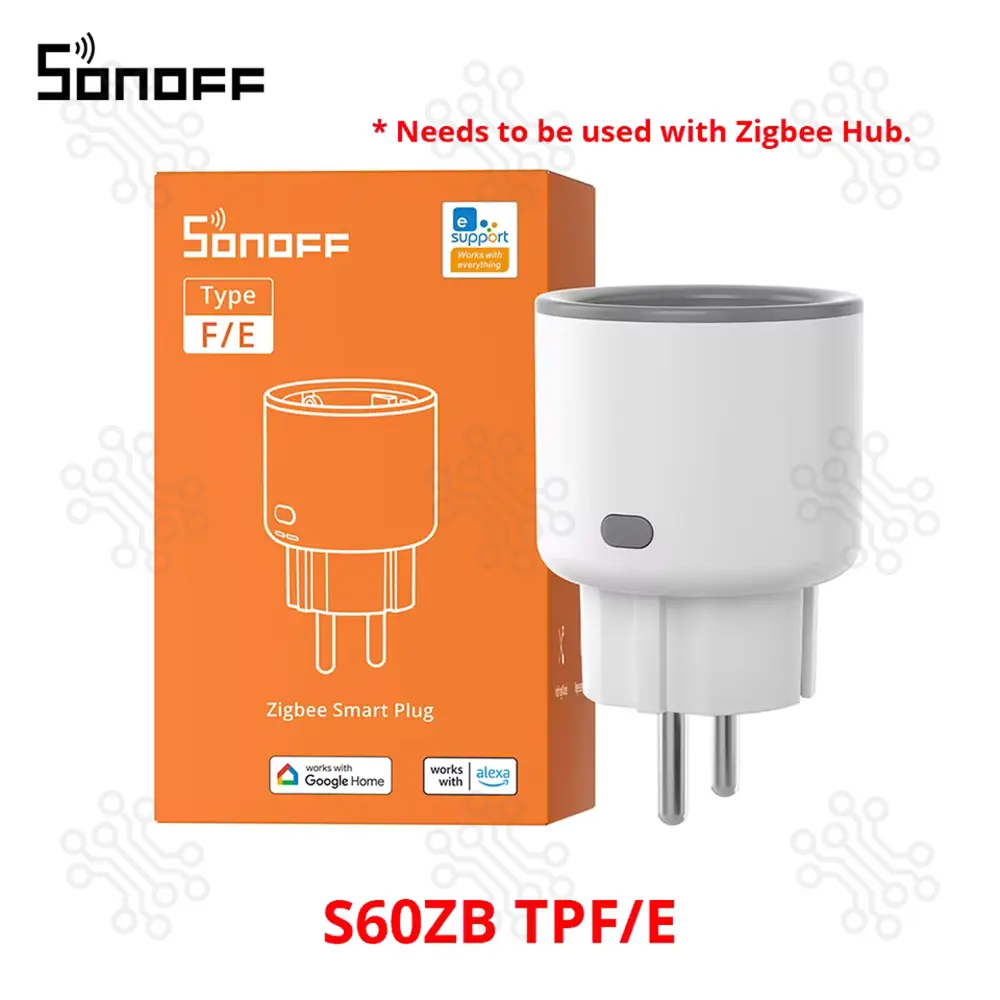
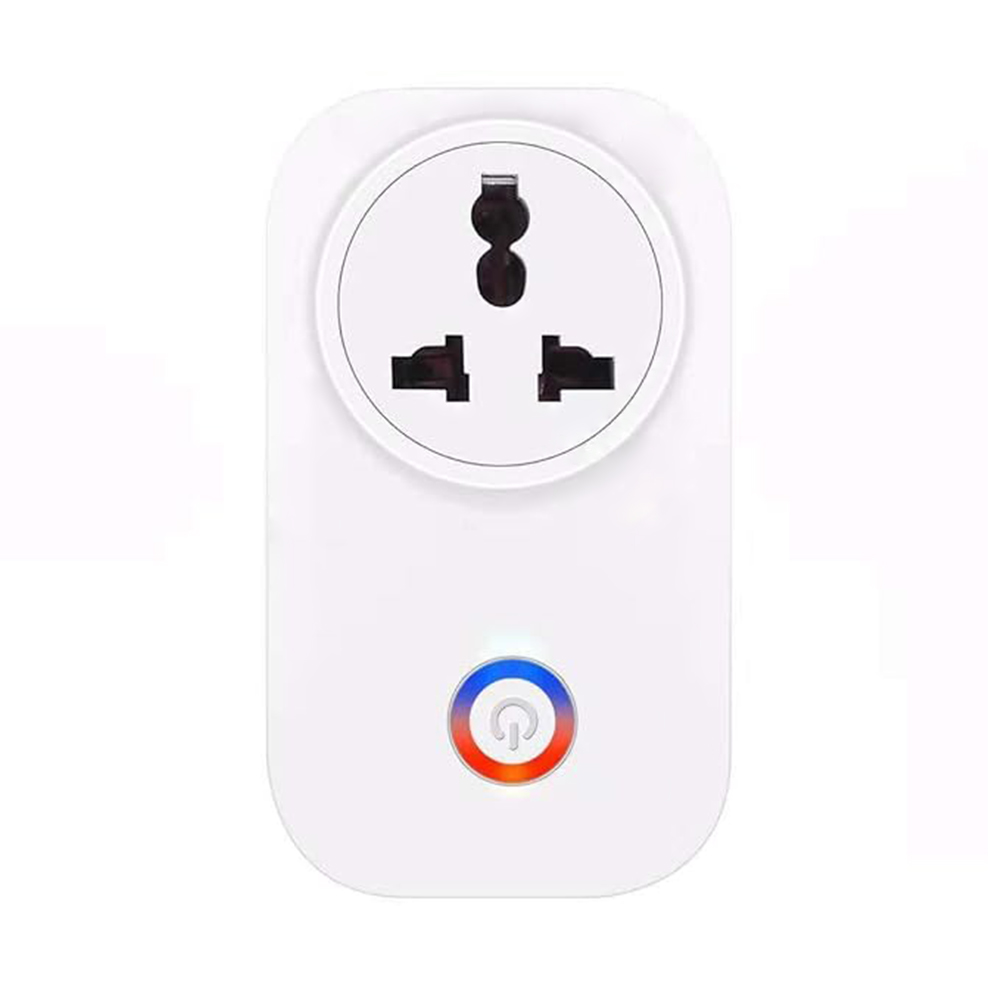
Description of SONOFF S60ZB TPF iPlug Zigbee Smart Plug The S60ZBTPF is a 16A single-channel smart plug that supports the Zigbee protocol and features energy monitoring along with overload protection. It allows users to track real-time household power consumption through a mobile app and easily automate connected devices for improved convenience and efficiency. In addition, it is equipped with a Zigbee repeater function that enhances signal coverage and improves communication quality within the Zigbee network. This ensures a more stable and reliable connection between smart home devices. Highlights Remote control enables convenient operation from anywhere Timer & scheduling allow seamless automation based on your routine Energy monitoring provides real-time power usage insights Overload protection ensures safe and reliable operation Zigbee repeater enhances network coverage and stability Technical Specification Parameter Specification Model S60ZBTPF MCU TLSR8656 Input 250V~ 50/60Hz, Max 16A Max Load (Resistive) 250V / 16A / 4000W Standby Power Consumption <1W Wireless Connectivity Zigbee 3.0 Net Weight 79g Dimensions 50 × 50 × 61.5 mm Color White Casing Material PC V0 Applicable Place Indoor Working Temperature -10°C to 40°C Working Humidity 5% - 95% RH (No condensation) Certification CE / RoHS Note: To ensure the safety of your electrical installation, it's essential either a Miniature Circuit Breaker (MCB) or a Residual Current operated Cicuit-breaker with Integral Overcurrent protection (RCBO) with an electrical rating of 16A has been installed before the plug. eWeLink First, open the App Store or Play Store on your phone and download the eWeLink app. Installation & Indicator Guide ① Button Control Single Press: Turn the smart plug ON or OFF Press & Hold (5 seconds): Activate pairing mode for device setup Notice: The device enters pairing mode by default when powered on for the first time, with the indicator light flashing slowly. The pairing status lasts for 180 seconds. To enter pairing mode again, please press and hold the device button for 5 seconds. ② Network Indicator (Blue) Solid Light: Successfully connected to the gateway Slow Blinking: Device is in pairing mode Fast Blinking: Connection issue with the gateway Rapid Continuous Blinking: Overload protection is activated (device locked) ③ Power LED Indicator (Red) Light ON: Device is powered ON Light OFF: Device is powered OFF Application Rice Cooker/Electric Kettle: Remote control and scheduling—cook meals or boil water before leaving work, enjoy hot food/drinks as soon as you get home. Monitor/Desk Lamp: Automatic shut-off after work hours to reduce standby power consumption. Charger: Smart timers for phone/tablet chargers to prevent overcharging and extend battery life. ⚠ Not recommended equipment High-power inductive loads driven by motors (like air conditioners, refrigerators, or washing machines): These devices often draw a high inrush current at startup, which can exceed the plug's rated current and potentially cause damage. EV charging: EV charging typically demands higher power, often exceeding the plug's rated current capacity. It is strongly recommended to connect only resistive loads that comply with the rated parameters, as inductive loads may lead to uncontrollable risks. What is Zigbee? Zigbee is a low-power wireless network protocol that operates on the 2.4 GHz band, but its purpose and behavior are quite different from Wi-Fi. It is specifically designed to create small, stable networks that consume minimal energy, making it ideal for smart home and IoT applications. Zigbee networks are typically built using three types of devices: Coordinator: This is the central unit of the Zigbee network. It is responsible for creating the network, managing addresses, and handling security keys. Usually, only one Coordinator is used in a network. End Device: These devices perform specific actions in home automation or IoT systems, such as sensors, switches, buttons, and lights. They consume very little power and often stay in sleep mode, resulting in longer battery life. Router: Router devices act both as functional devices and signal repeaters. They can work as END Device while also extending the network range and improving communication between devices. Compatible Zigbee Hubs List Platform / Hub On/Off Energy Monitoring Over-load Protection Inching Settings Power-on State OTA eWeLink √ × × × × × Amazon √ √ √ √ √ √ SmartThings √ × × × × × Home Assistant √ × × × × × ZBBridge √ × × × × × ZBBridge Pro √ √ √ √ √ √ ZBBridge Ultra √ × × × × × NSPanel Pro √ × × × × × iHost √ √ √ √ √ √ Echo Show (2nd Gen) √ √ √ × √ √ Echo (4th Gen) √ √ √ × √ √ Echo Plus (2nd Gen) √ √ √ × √ √ SmartThings Hub V3 √ √ √ × √ √ Aeotec SmartThings Home Hub V3 √ √ √ × √ √ ZBDongle-E/P (Z2M Platform) √ √ √ √ √ √ ZBDongle-E/P (ZHA Platform) √ × × × × × Package Content 1 x SONOFF S60ZB TPF iPlug Zigbee Smart Plu 1 x User Manual Documents eWeLink app Quick-Guide-S60ZBTPF-V1.1 User-Manual-S60ZBTPF-EN-V1.1 Warranty and Replacement TechShopBD offers up to one year of warranty and replacement support for its products, depending on the supplier(s) and product(s). The specific warranty duration for each product can be found on the respective product page. To be eligible for warranty and replacement support, customers must agree to our terms and conditions. Attention Note: This item is non-returnable. If this item arrives damaged or is not functioning properly, please don’t hesitate to contact us to determine if further action is required. Need Help? Our engineers are available to assist you. If you have any queries, please leave a comment below or call 09678110110 from 09:00 am to 06:00 pm (7 days a week). You can also reach us via WhatsApp or Facebook Inbox